
How to Fix IPTV Buffering Issues
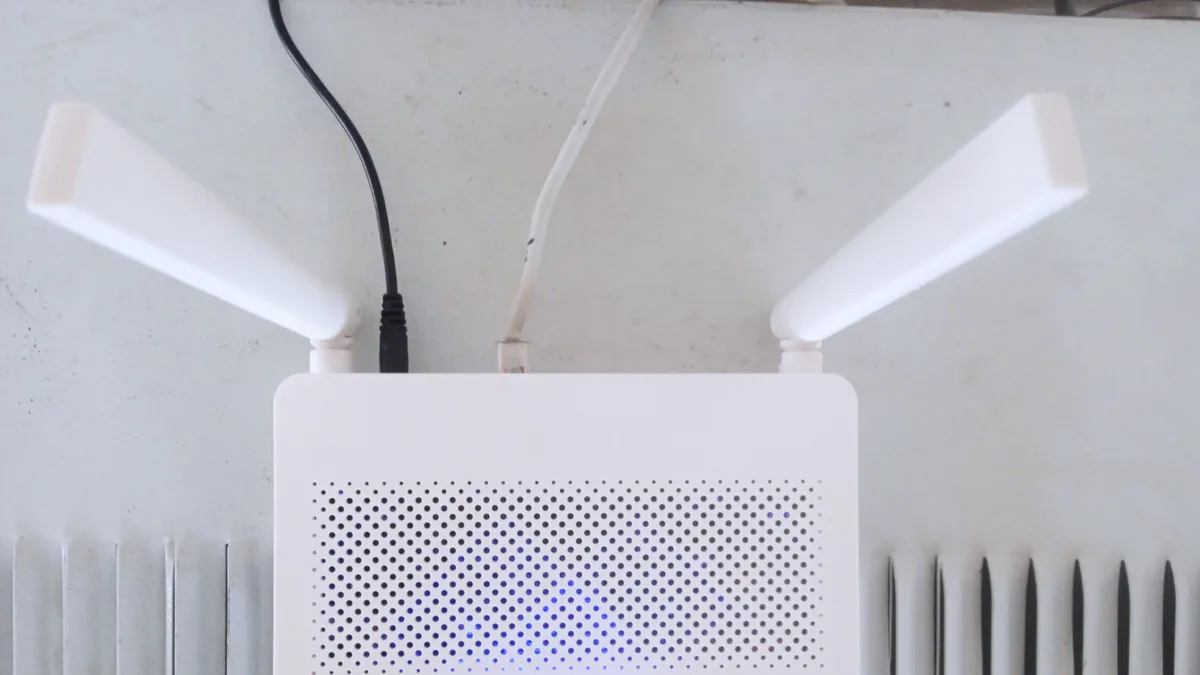
Buffering — when playback pauses to reload — is the most common IPTV frustration, but it's usually straightforward to diagnose. Work through these steps in order.
1. Test your actual internet speed
Run a speed test on the same network and, ideally, the same device you're streaming on. If your speed is below roughly 15 Mbps, that's likely your bottleneck. See our internet speed guide for resolution-specific benchmarks.
2. Switch from Wi-Fi to Ethernet where possible
Wi-Fi is convenient but more prone to interference and signal drop than a wired connection. If your device supports Ethernet (directly or via an adapter), this is often the single biggest fix for persistent buffering.
3. Check for other devices competing for bandwidth
Downloads, video calls, or other household streaming can all eat into the bandwidth available for your IPTV stream. Pausing other heavy network activity while you watch can resolve intermittent buffering.
4. Lower the stream quality setting
Most player apps let you manually select a lower resolution. If your connection can't reliably sustain 4K or Full HD, dropping to HD often eliminates buffering entirely.
5. Restart your device and router
It sounds basic, but a simple restart clears temporary memory issues and refreshes your network connection — often enough to resolve one-off buffering.
Still buffering?
If none of these help, the issue may be specific to a single channel's source rather than your setup. Check our FAQ page or contact support so we can look into it.