
Common IPTV Connection Problems and Fixes
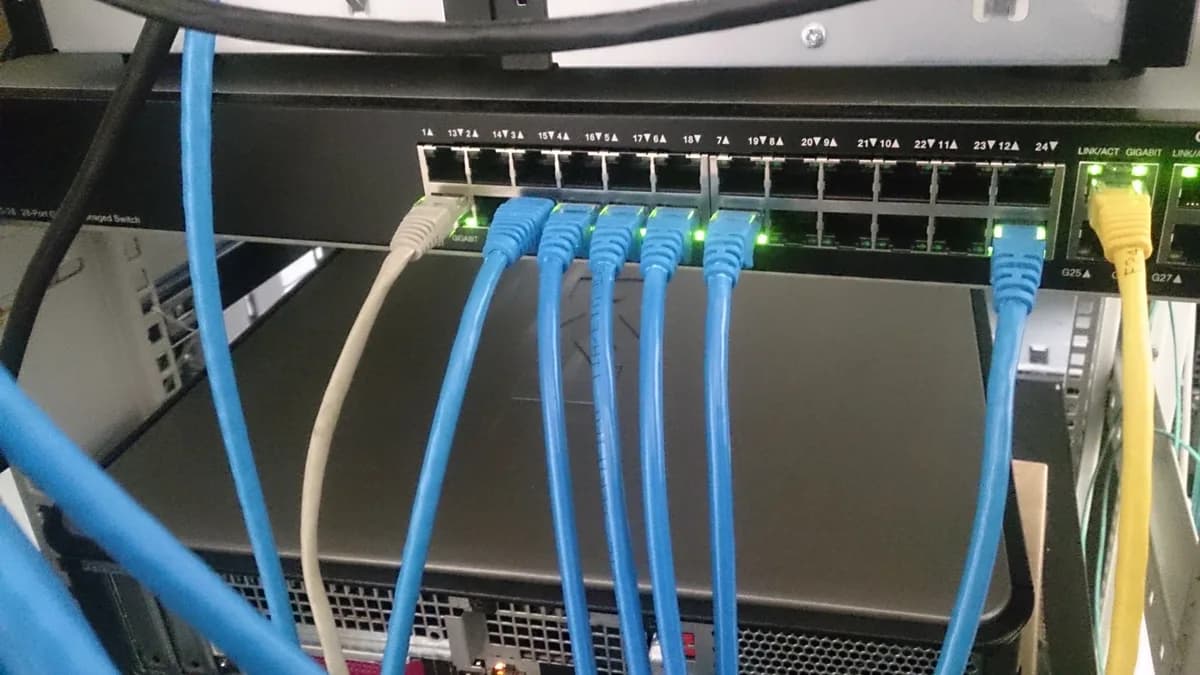
Connection problems can show up in different ways — a login error, a blank channel list, or a stream that won't start. Here's how to isolate the cause.
"Invalid credentials" or login errors
This almost always comes down to a typo in the username, password, or server URL. Re-enter your details carefully, avoiding extra spaces, and double-check against your original welcome email.
Channel list is empty after adding a playlist
Give the app a minute to sync — first-time downloads of the full channel list and EPG can take longer on a slow connection. If it's still empty after a few minutes, confirm your account is active by checking your subscription status or contacting support.
A specific channel won't load
Occasionally an individual channel source has a temporary outage, which is different from a broader connection problem. Try a different channel to confirm — if only one is affected, it should resolve on its own or can be reported to support.
App won't connect at all
Check that your device has an active internet connection by opening a browser or another app. If your general internet works but the IPTV app doesn't connect, restart the app and the device.
Frequent disconnects
This is typically a Wi-Fi stability issue rather than an account problem. See our buffering guide for steps to strengthen your connection.
Still stuck?
If you've worked through this list and the issue persists, our device-specific installation guides include troubleshooting sections, or you can reach out directly via the contact page.