
Streaming IPTV on Your Phone: Tips for iPhone & Android
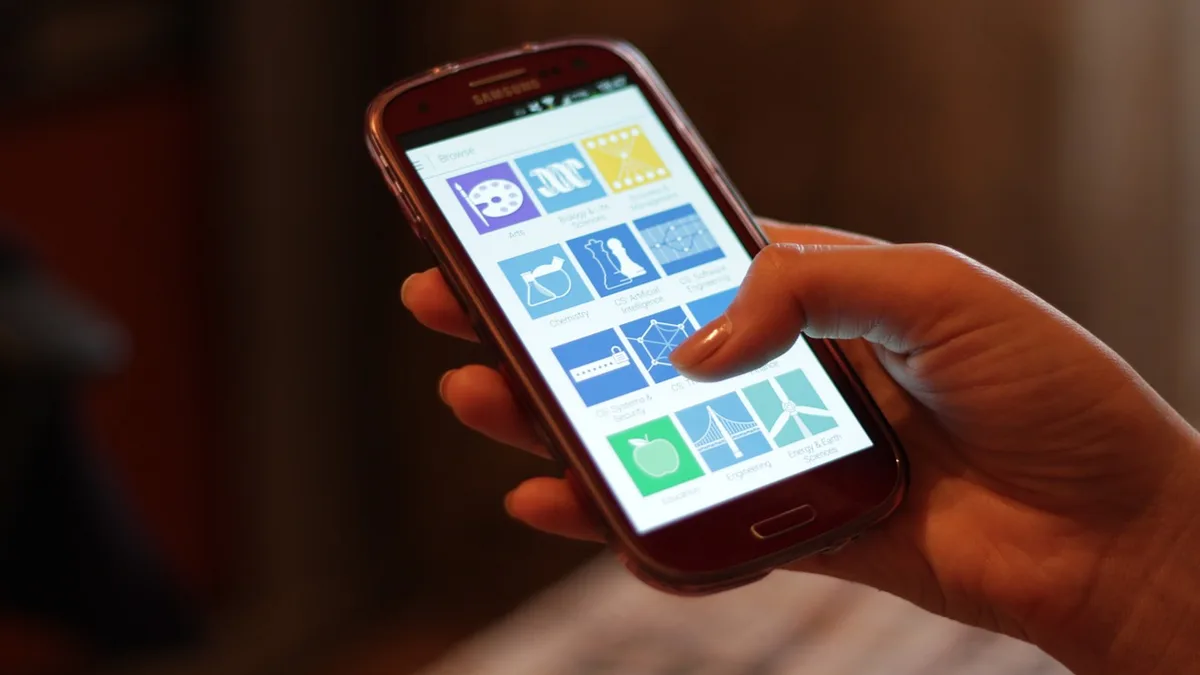
Mobile IPTV is convenient for watching on the go, but a few small adjustments make a noticeable difference in the experience compared to streaming on a TV.
Watch your data usage
Streaming on cellular data can consume a significant amount of your data plan, especially at higher resolutions. Many player apps let you set a lower quality specifically for mobile data.
Prefer Wi-Fi when available
Wi-Fi is generally faster and more consistent than cellular, and won't count against a mobile data cap — a good default when you have the option.
Casting to a TV
Android devices can cast to Chromecast-enabled TVs, while iPhone and iPad can use AirPlay to send playback to an Apple TV or AirPlay-compatible television.
Battery and background use
Video streaming is battery-intensive. If you're watching for extended periods, keeping your phone connected to power helps avoid an unexpected shutdown mid-stream.
Setup guides
New to mobile IPTV? See our guides for iPhone & iPad and Android.