
How to Install IPTV on iPhone & iPad
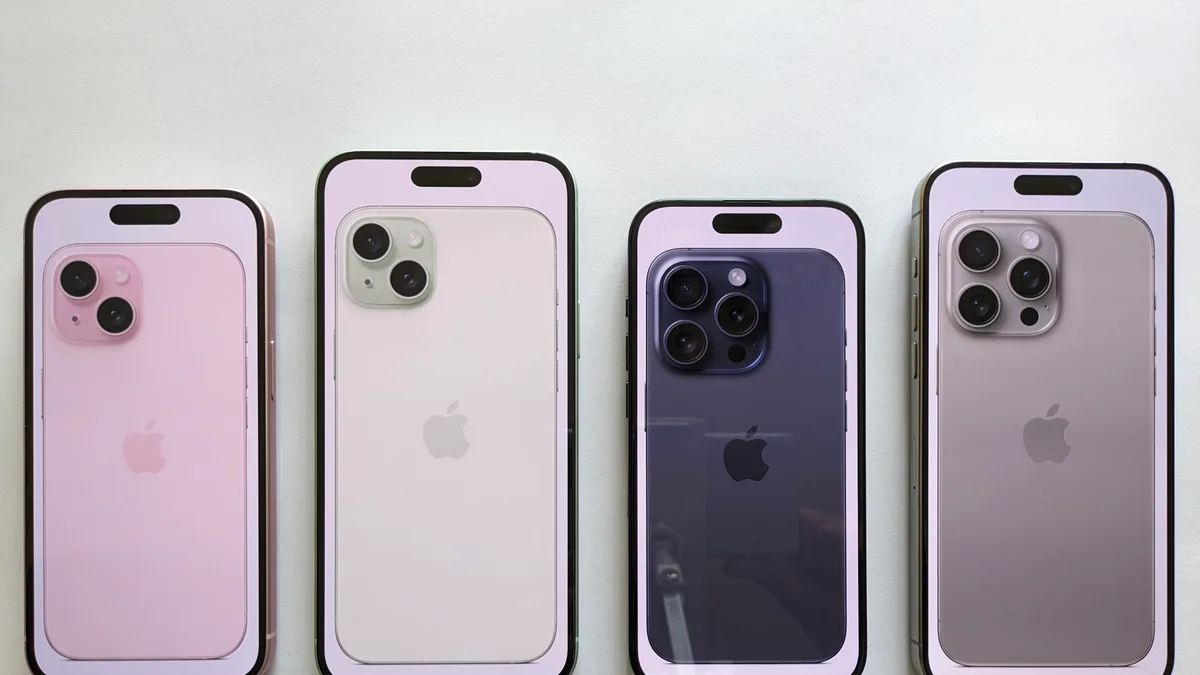
iPhone and iPad are among the easiest devices to get IPTV running on, since compatible player apps are available directly through the App Store. Here's the general shape of the process — see our full iPhone & iPad installation guide for complete steps.
What you'll need
An iPhone or iPad on a recent iOS version, an Apple ID signed into the App Store, and your Xtremes IPTV login details or M3U link.
The general process
Search the App Store for a compatible IPTV player, install it, then add your playlist using your username, password, and server URL, or your M3U link directly.
Watching on a bigger screen
Once channels are loading on your device, you can use AirPlay to send playback to an Apple TV or AirPlay-enabled television without any additional setup.
Common first-time issues
Most early hiccups come down to mistyped credentials. For a full troubleshooting checklist specific to iOS, see the complete iPhone & iPad guide.
Not subscribed yet?
Compare Xtremes IPTV plans before you install, so you have your credentials ready when you're set up.