
Installation Guide
How to Install Xtremes IPTV on Firestick
Firestick is one of the most popular ways to stream Xtremes IPTV on a television, thanks to its low cost and wide app support. This guide walks through installing a compatible IPTV player and loading your subscription so you can start watching in a few minutes.
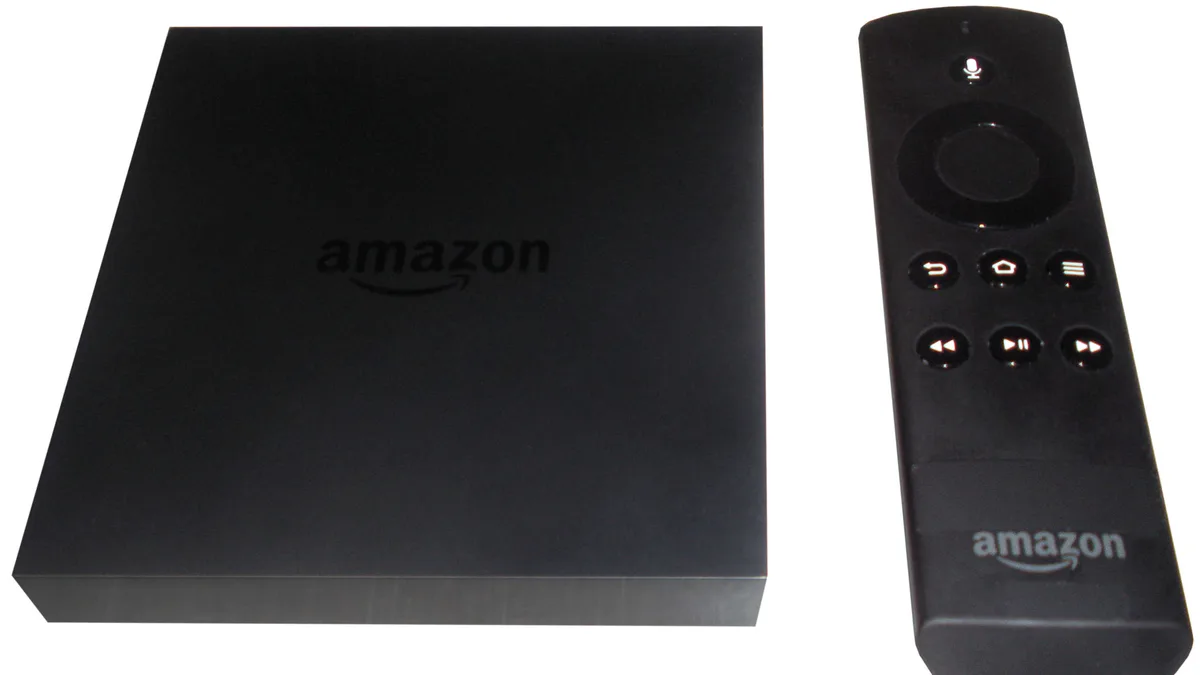
What you’ll need
- An Amazon Fire TV Stick or Fire TV device with Fire OS 6 or newer
- An active Xtremes IPTV subscription with your login details or M3U URL
- A stable internet connection — at least 15 Mbps is recommended for HD
- An Amazon account signed in on the device
Step-by-step instructions
- 1
Enable apps from unknown sources
On the Fire TV home screen, go to Settings > My Fire TV > Developer Options and turn on Apps from Unknown Sources. This allows sideloaded IPTV player apps to run.
- 2
Install the Downloader app
From the Fire TV search bar, find and install the free Downloader app from the Amazon Appstore. It's used to fetch the IPTV player installer file.
- 3
Download a compatible IPTV player
Open Downloader and enter the URL for a supported IPTV player app (such as IPTV Smarters or a similar player). Confirm the download and run the installer when prompted.
- 4
Enter your Xtremes IPTV credentials
Launch the player app, choose to add a new playlist, and enter the username, password, and server URL (or the M3U link) provided in your Xtremes IPTV welcome email.
- 5
Load the channel list and start streaming
The app will sync your channel list and EPG data. Once the sync finishes, browse categories or use search to find a channel and start watching.
Troubleshooting
Downloader can't find the file at the URL I entered
Double-check the URL for typos, or search the Downloader app's built-in browser for the IPTV player's official download page instead.
The app installs but crashes on launch
Restart the Firestick from Settings > My Fire TV > Restart, then reopen the app. If it still crashes, uninstall and reinstall the player.
Channels load but keep buffering
Run a speed test on the same network. If speeds are below 15 Mbps, connect the Firestick via Ethernet adapter or move closer to the router.
"Invalid credentials" error when adding the playlist
Re-enter your username, password, and server URL carefully, avoiding extra spaces. If the issue continues, contact support to confirm your account is active.
Still need help? Check our FAQ page or contact support.