
How to Install IPTV on Windows and Mac
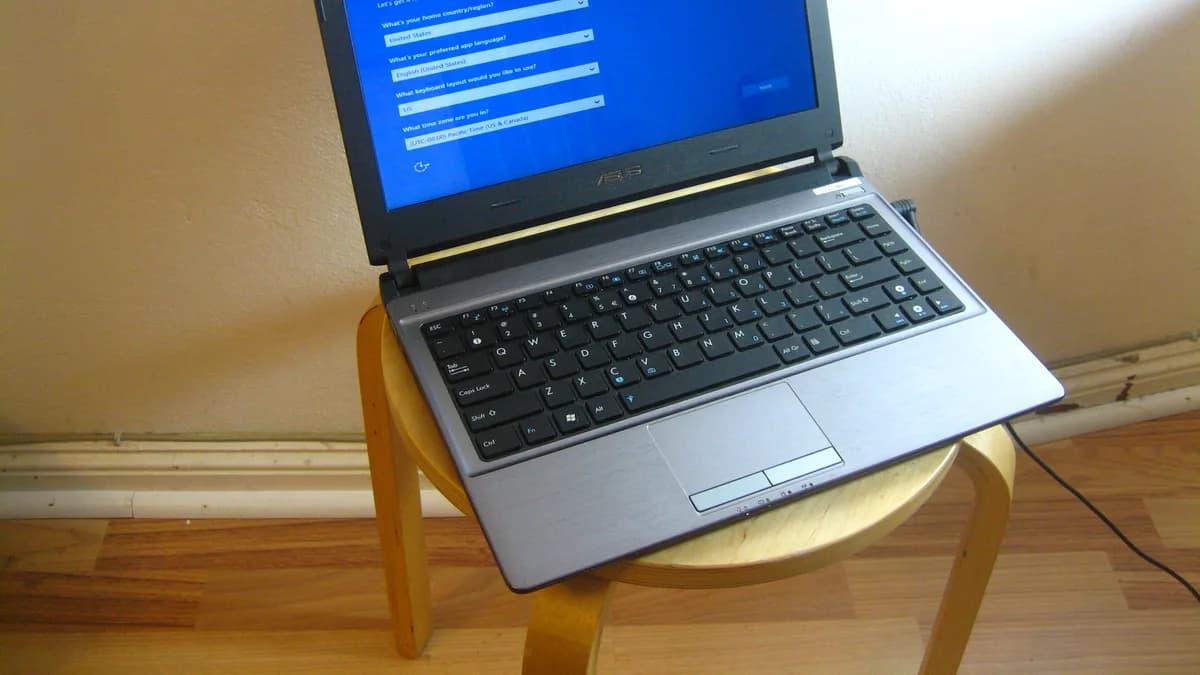
Windows and Mac both support IPTV through dedicated desktop player applications, giving you full-screen playback on any connected monitor. The setup process is similar across both platforms, with a few OS-specific steps.
Choosing a desktop player
Look for a desktop IPTV player with support for Xtream Codes login or M3U playlists, download it from the developer's official website, and install it like any other desktop application.
Windows-specific notes
Windows Defender may flag unfamiliar installers — only download from official sources and verify the publisher before proceeding. Full steps are in our Windows installation guide.
Mac-specific notes
macOS may block apps from unidentified developers on first launch. Approve the app through System Settings > Privacy & Security if this happens. Full steps are in our Mac installation guide.
Getting a stable connection
Desktop setups are a good candidate for a wired Ethernet connection, especially for 4K content — see our guide on wired vs. wireless streaming.
Next steps
Not subscribed yet? Compare Xtremes IPTV plans before downloading a player app.