
Xtremes IPTV on Firestick: What to Expect
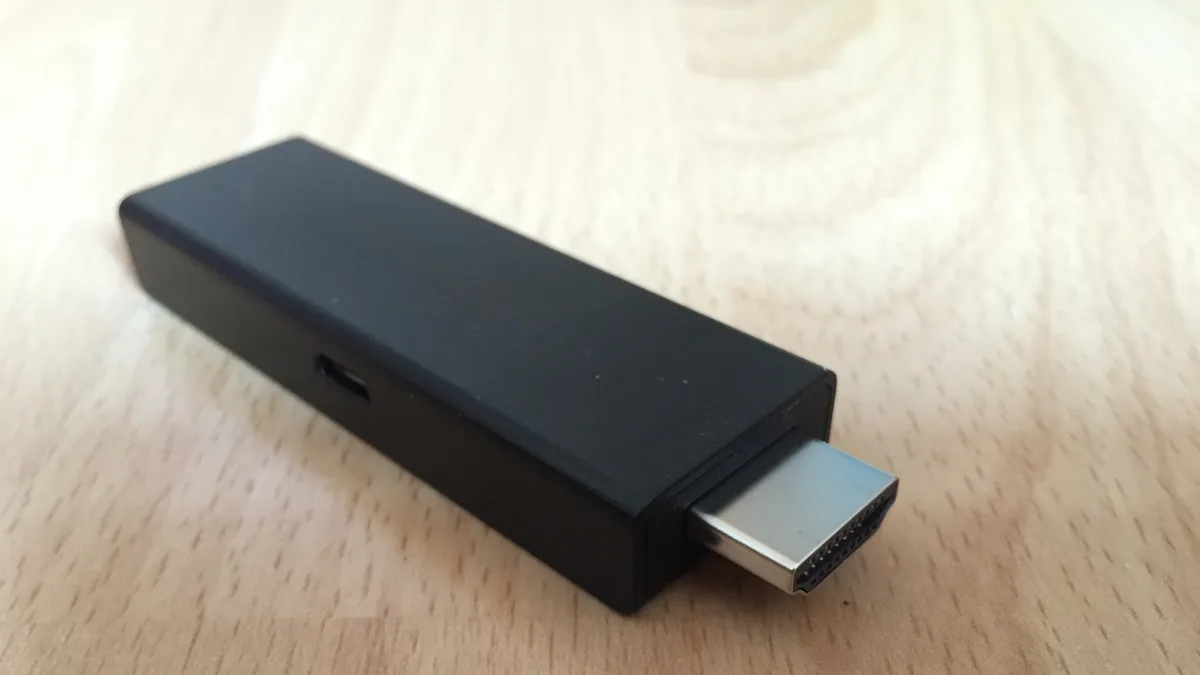
Firestick is one of the most popular ways to run Xtremes IPTV on a TV, largely because it's affordable and the setup process is well documented. Here's what to expect.
Setup takes about 10-15 minutes
After enabling apps from unknown sources and sideloading a player app via Downloader, entering your Xtremes IPTV credentials is the last step before you're streaming. Full instructions are in our Firestick installation guide.
Everyday navigation
Once set up, browsing channels and on-demand content works through the player app's interface — favoriting your regular channels makes daily use noticeably faster.
Performance expectations
Firestick handles HD and Full HD content well. For consistent 4K, a stable connection (ideally wired via an Ethernet adapter) makes a meaningful difference.
Comparing to other devices
If you're deciding between a Firestick and an Android TV box, see our comparison guide for the tradeoffs.
Getting started
Not subscribed yet? Compare Xtremes IPTV plans before you set up your Firestick.